Get your thoughts out
Begin with a quick note or voice entry. There is no required format and no public audience.
Stillpoint is built exclusively for Windows PCs. It is a private journal with local AI—no account, no cloud, and no subscription. Your entries stay encrypted on your computer.
 Prefer Microsoft Store? Install Stillpoint there and begin the same free 14-day trial.No email required.
Windows 10 & 11 only—not currently available for macOS. About 1.9 GB because the AI runs locally. No internet is required to use the app after installation.
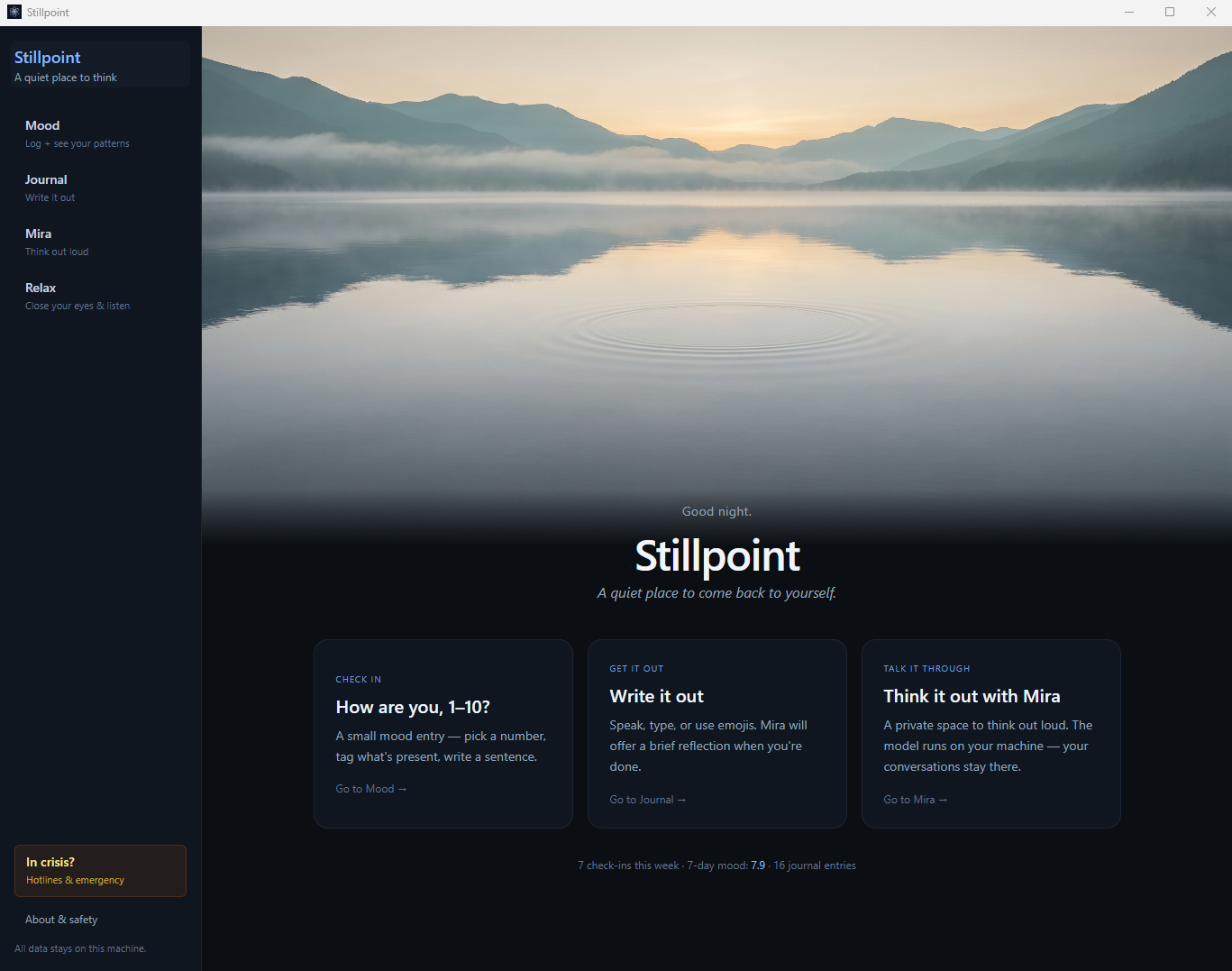
Write a few sentences or speak freely. Mira reflects your words back to you, while mood check-ins and Insights help you revisit what has been showing up over time.
Begin with a quick note or voice entry. There is no required format and no public audience.
Review your entries, mood check-ins, and Insights over time. You may spot routines, situations, or themes worth paying attention to.
Use Stillpoint when it is useful to you—without streaks, social sharing, or subscription pressure.
Stillpoint supports personal journaling and reflection. It does not diagnose conditions or provide medical or therapeutic advice.
Here’s a small taste of the interface. Drag the slider and switch Mira on. Then try the complete Windows app free for 14 days.
Nothing here is sent anywhere. This little demo runs entirely in your browser, just like the app runs entirely on your PC.
Four promises baked into how Stillpoint is built, not toggles you have to find.
The AI and voice engine are built into the app. Once it’s installed, Stillpoint needs no internet. Turn the Wi-Fi off and everything still works.
No Stillpoint account. No app telemetry. We operate no journal or AI-processing server that receives your private content.
Mira runs on your machine and never trains on you. Your entries are never used to improve any model.
Encrypted on your disk and locked behind your PIN. Changed your mind? Delete everything at once, instantly.
Take a quiet tour of the journal, mood tools, Mira, Insights, and Relax—all designed to work on your Windows computer.
Unplug your internet and use the entire app. Journaling, voice-to-text, mood tracking, and Mira keep working because they run on your computer. Internet access is needed to download the installer and any optional update, not for normal use.
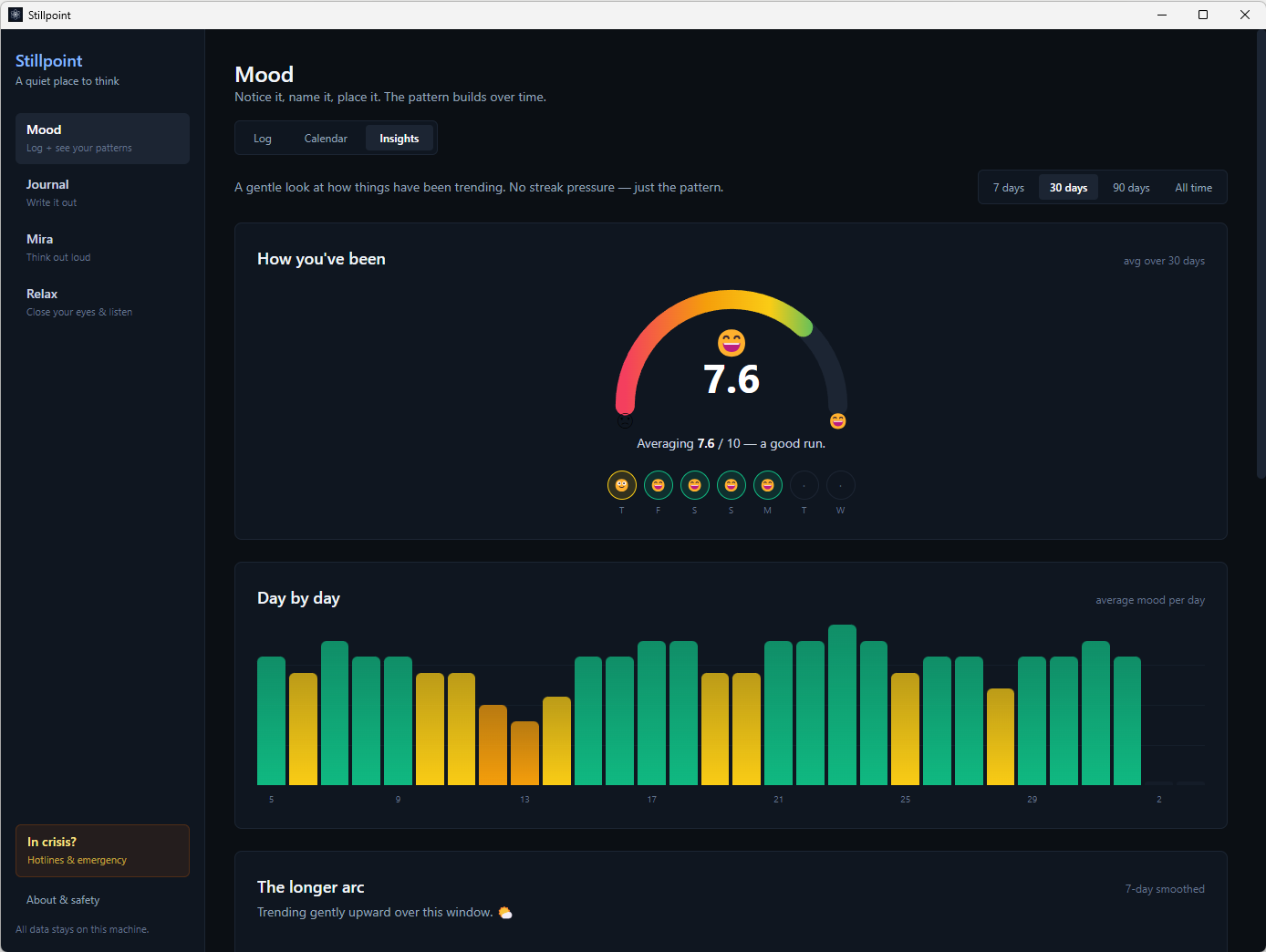
Quick check-ins (a 1–10 scale, how you feel, and what’s going on around you) roll up into a calm gauge and gentle insights that surface patterns over time. No streaks to keep, no guilt.
Type it, say it (voice-to-text runs on your machine, so your voice never leaves the PC), or tap emojis to capture a mood in seconds. Copied text from a photo or a website? Paste it right in. Edit any entry, anytime.
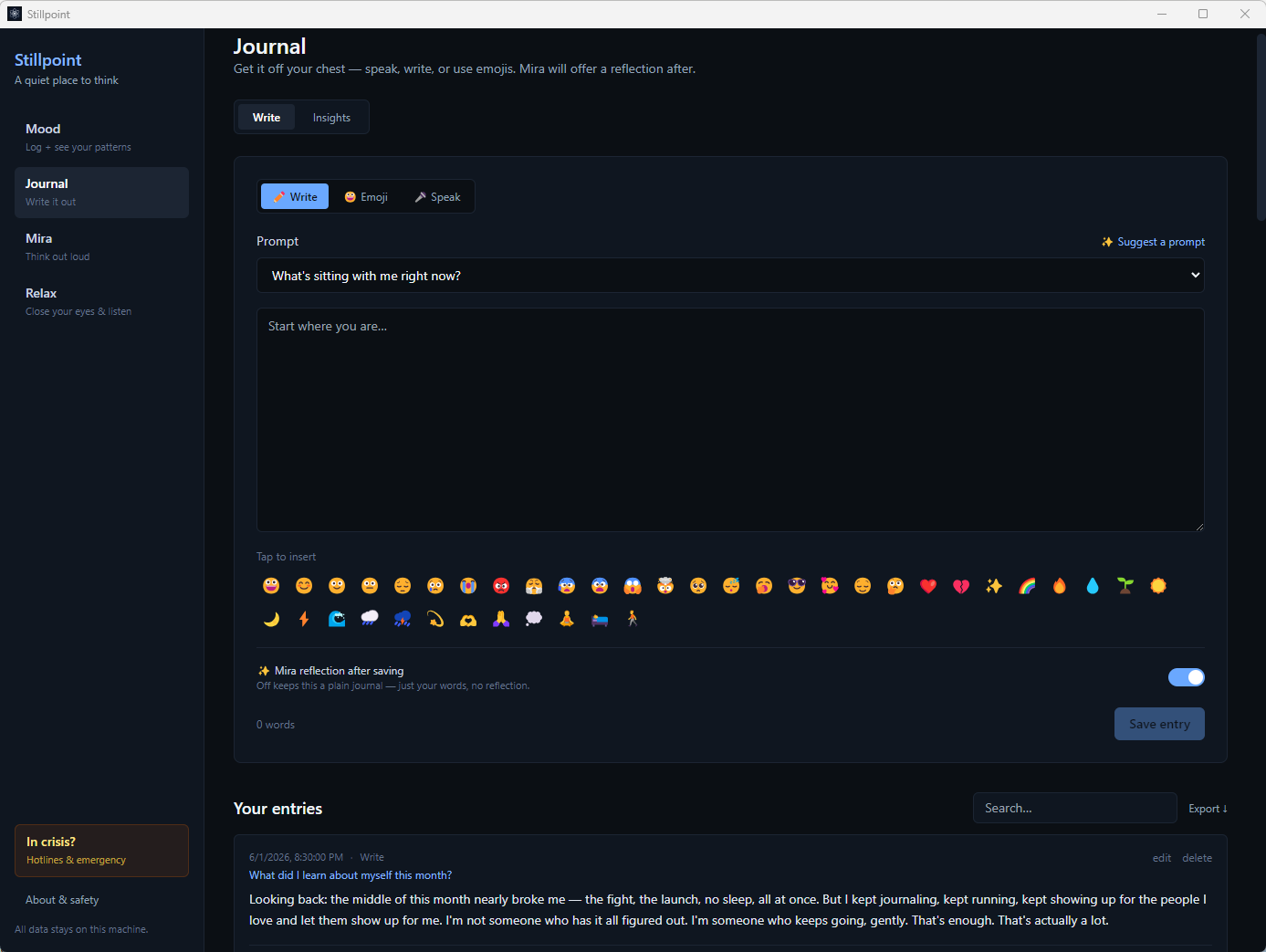
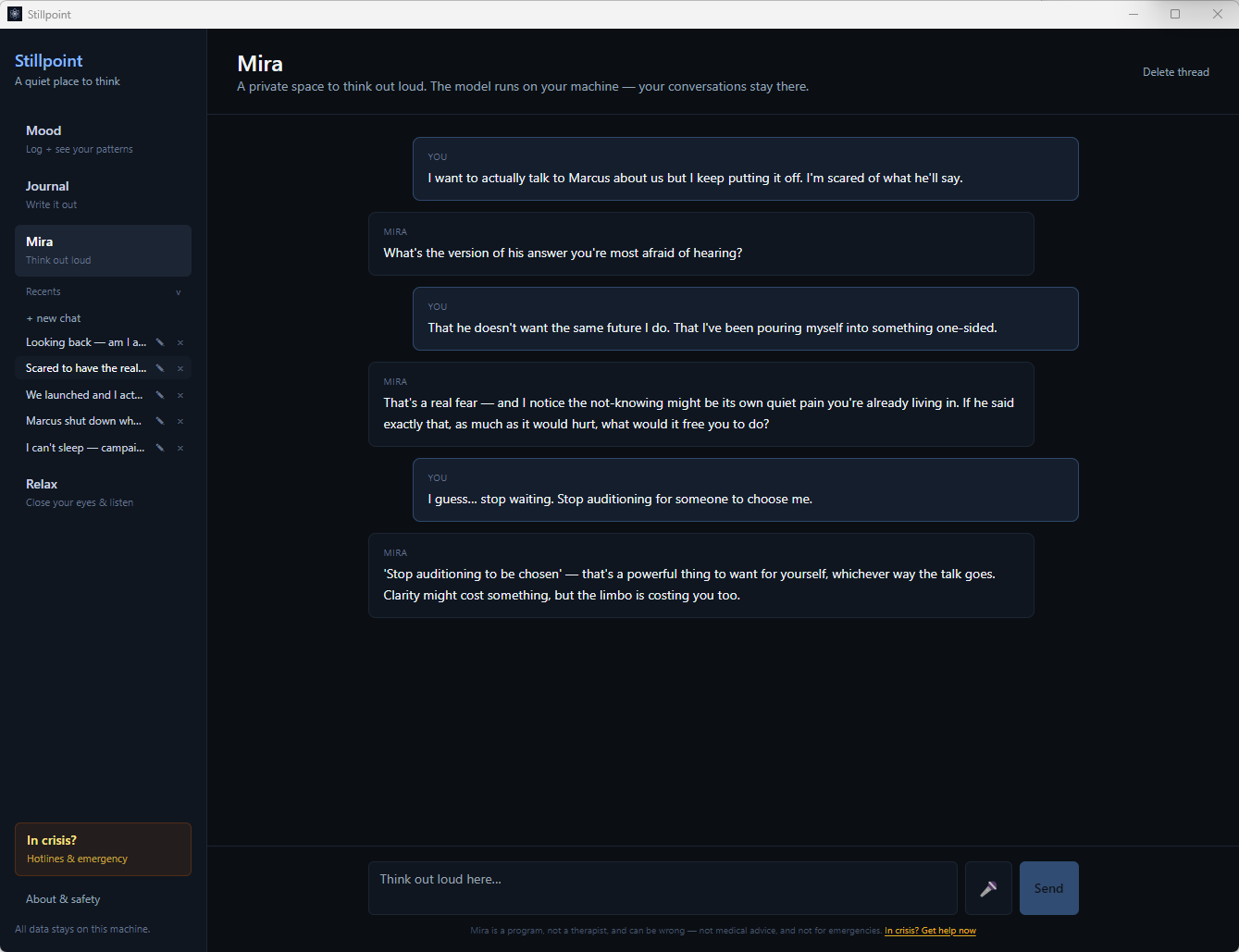
Think out loud and get a thoughtful reflection back, from a model that runs entirely on your computer and learns nothing from you. Want a plain, private journal instead? Switch reflections off with one tap.
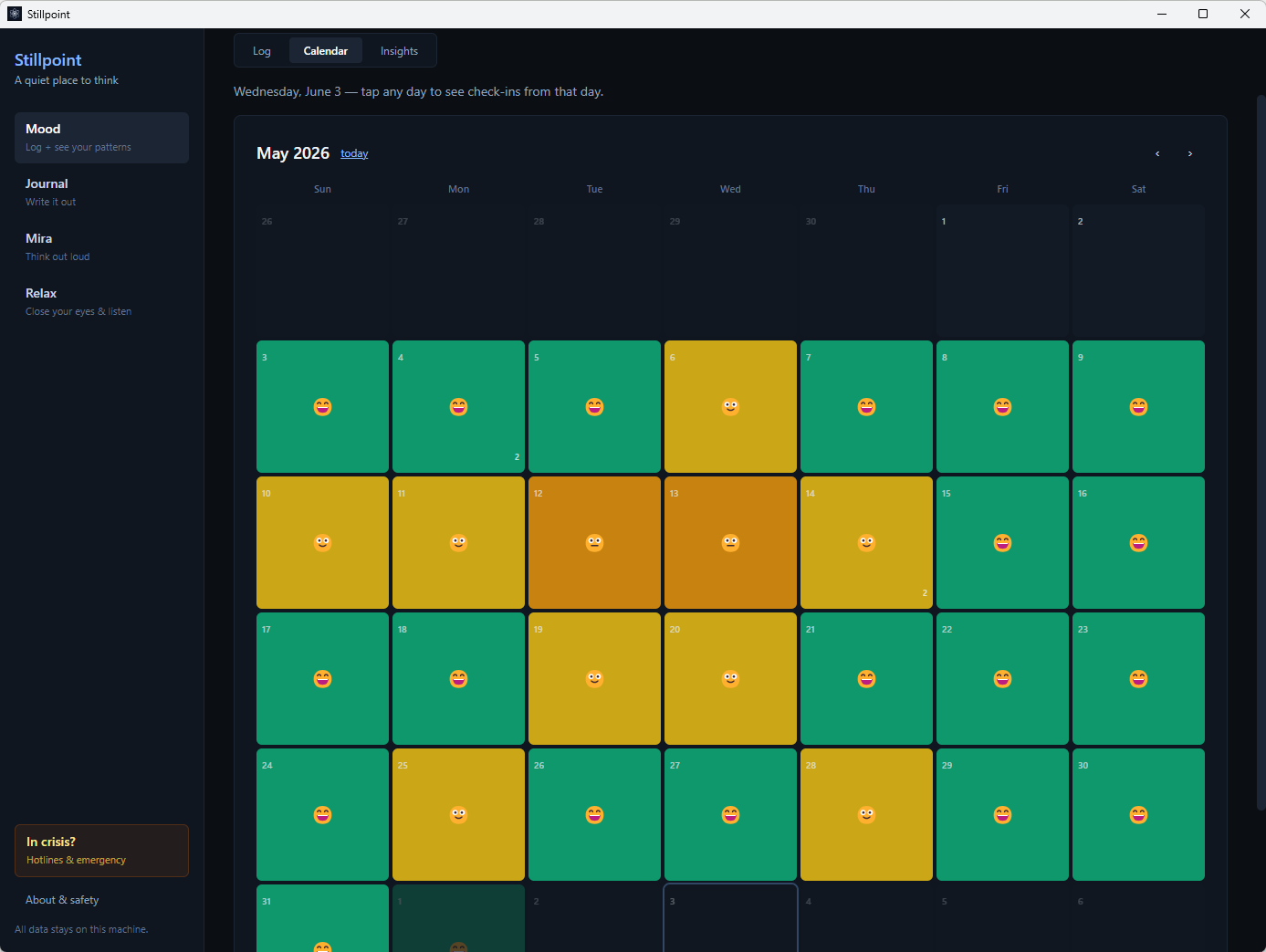
Every check-in colors a day, so a whole month of how you’ve been comes into view at once. The bright spots and the low ones, all without a word of judgment.
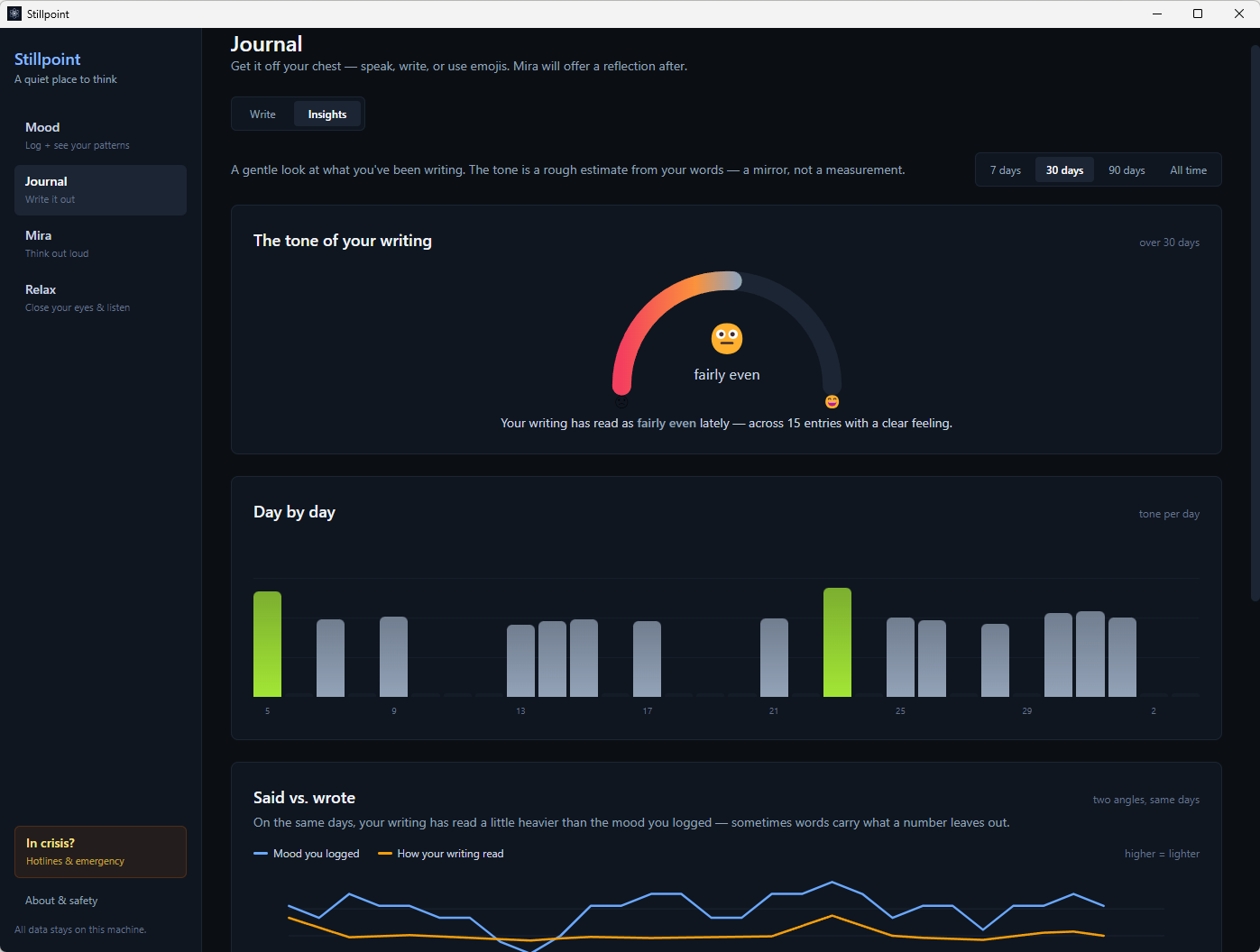
Offline insights show the tone of your writing, the words and emojis you return to, and how what you wrote compares to how you rated the day. All computed on your device, of course.
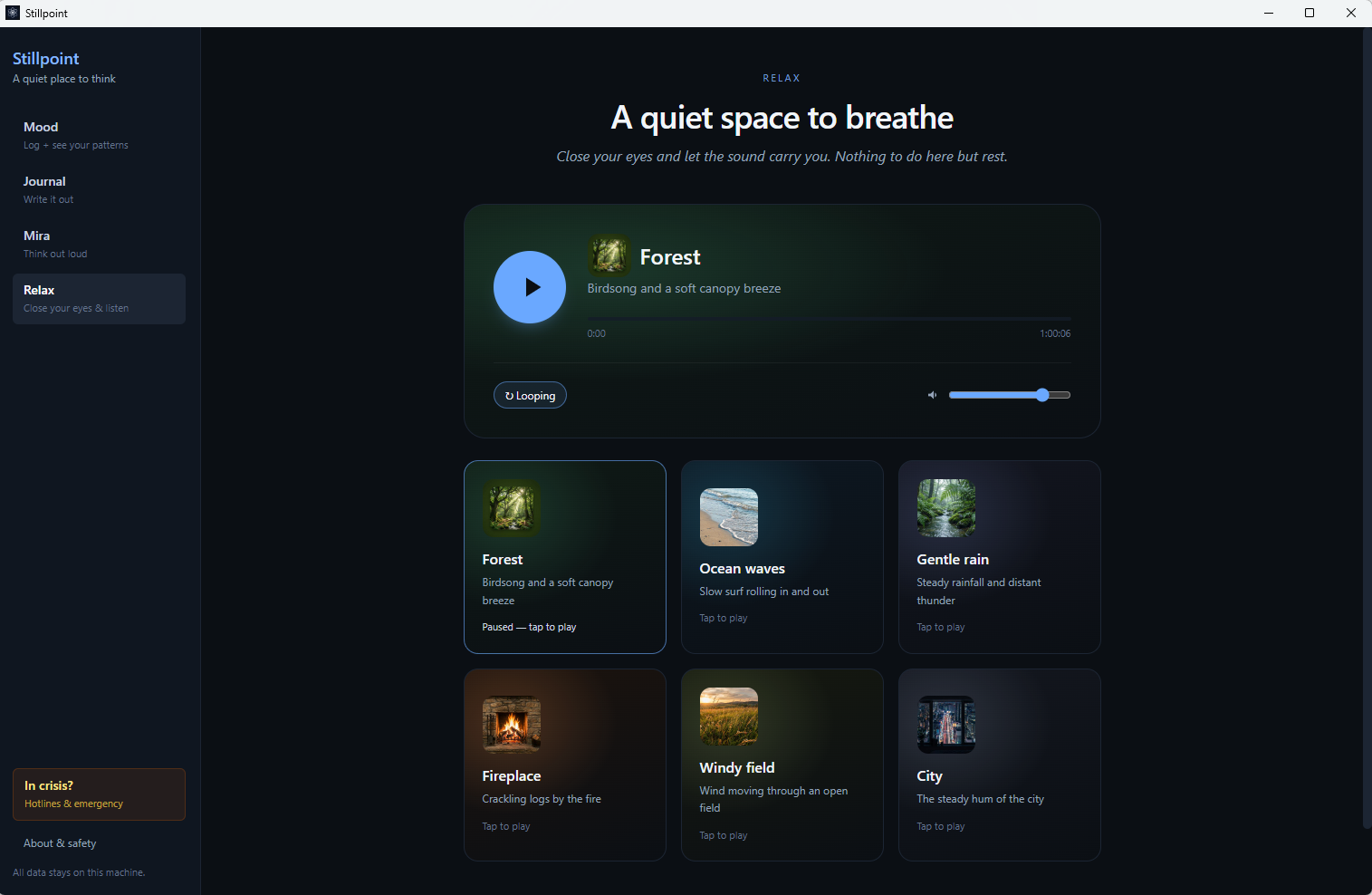
Looping, hour-long nature soundscapes: forest, ocean waves, rain, a fireplace, wind, the hum of a city. Close your eyes and let the sound carry you. There’s nothing to do here but rest.
Because the entire brain of the AI lives inside your computer. You aren’t streaming it from someone’s server. The model is included with the app. It is one larger download so your journal and AI can work without an internet connection. Optional future updates are separate downloads.
Use the complete Stillpoint experience before deciding whether it belongs on your PC.
Install Stillpoint, turn off Wi-Fi, and try the journal, mood tracking, voice tools, Insights, and Mira. The experience keeps working because it runs on your computer.
Tried it and want to keep going? Pay once—no recurring subscription and no account.
You can also install the free 14-day trial from Microsoft Store.
The 14-day trial lets you experience the complete Stillpoint app on Windows. It starts the first time you open the app. No payment card, subscription, automatic renewal, or license key is required.
No. Stillpoint is Windows-only so it can provide a focused, local-first desktop experience without requiring a journal account or cloud sync.
You need internet access to download the installer and receive purchase emails. Everything Stillpoint uses—including Mira and voice-to-text—is built into the app, so no internet connection is required during normal use. Optional updates require a separate download.
Approximately 1.9 GB because the AI model is included instead of being streamed from a server. That larger download is what allows the AI to run on your computer.
Your journal content is stored locally on your computer and encrypted behind your PIN. Stillpoint does not transmit that content to 1st Step Media.
No. The app does not transmit your journal entries, moods, or Mira conversations to 1st Step Media, so we do not receive or have access to that content.
Mira is a small AI that runs privately on your machine. It’s made for reflecting with you, not for facts or web answers, and it never learns from your words.
Your data lives on your PC. Use Stillpoint’s backup and restore options to keep a separate copy and move it when needed. A purchased license key is personal to you; contact support if you need help moving to a replacement computer.
Never. One-time purchase, yours to keep.
If Stillpoint is not right for you, request a full refund within 30 calendar days of your paid purchase. The free 14-day trial is separate and does not reduce the refund period. The normal process is two steps: deactivate Stillpoint from the app’s About page (it gives you a short deactivation receipt — nothing is sent automatically), then email the receipt to us. Your journal is never deleted. See our Refund Policy for the full details.
Try the complete Windows app for 14 days. Stillpoint is paid software; continue afterward only if you choose the $39 one-time license.
Start my free 14-day trialEmail Required for downloading